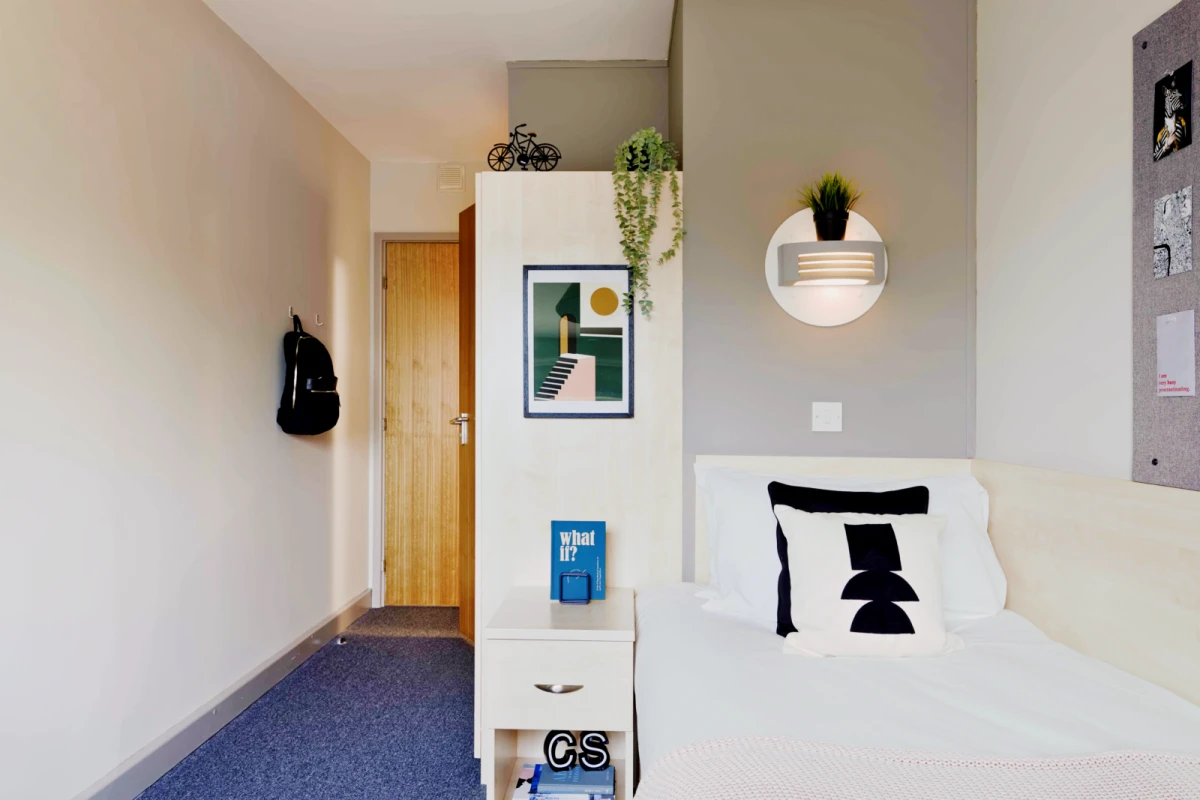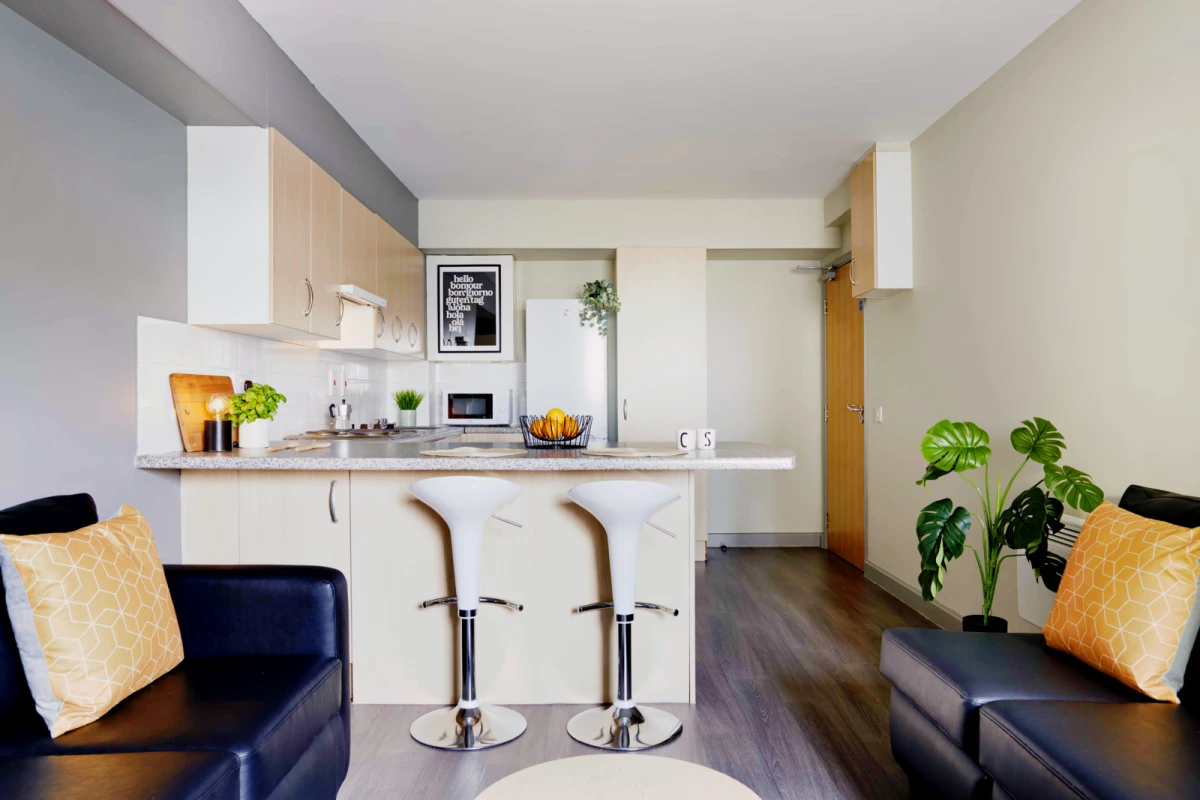
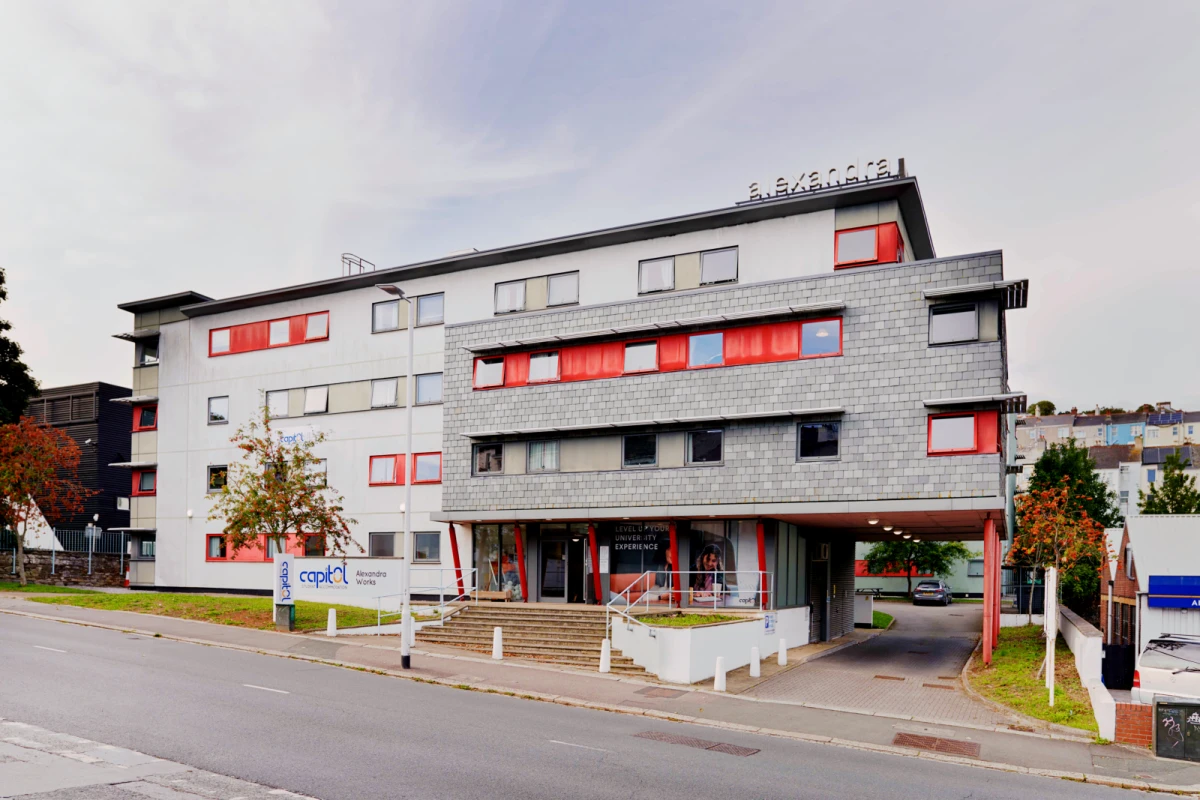
Student Accommodation
119 Alexandra Road, Plymouth PL4 7DU, United Kingdom

Floor Plans

Floor Plans

Floor Plans

Floor Plans

Floor Plans

Floor Plans

Floor Plans

Floor Plans

Floor Plans

Floor Plans

Floor Plans

Floor Plans

Floor Plans

Floor Plans

Floor Plans

Floor Plans
Tip: For more information, please refer to the agreement or contract.
Pay on booking
The Advance Rent is treated as payment towards your payment of rent and will be credited to your rent.
Due to differences in the lease, the due date and amount of rent shall be subject to the final contract.
For 2025/26 academic year bookings, if you meet any of the conditions below, you will be able to cancel your booking and receive a full refund of your Advance Rent and any paid rent payments, No Visa…
No Place No Pay For 2025/26 academic year bookings, if you meet any of the conditions below, you will be able to cancel your booking and receive a full refund of your Advance Rent and any paid rent pa…
Cancellation Policy (England) Once you have paid your Advance Rent and you have been allocated a room, then should you decide to cancel then the amount equal to the lesser of (i) the Advance Rent and…
No Pet
If you need to renew the room, please confirm by contacting the apartment directly or consulting acolyteliving.com.
To arrange an early check-in, please confirm by contacting the apartment directly or consulting acolyteliving.com
Cooling-off period: Before both parties sign the contract, it is considered as cooling-off period, and you are allowed to cancel the lease, but you will be charged a fee. Outside the cooling-off period: You need to find a sub-tenant
Students can provide their room preferences in advance, and we will strive to accommodate them based on availability.
You can change rooms during the cooling-off period. After this period, changes are limited to upgrades only. Please note that room changes are subject to availability
Contact the apartment by email
No smoking
Enter the apartment system account, click the Booking Status button, then click Moving-in calendar to enter the reservation interface Click the Reserve a slot button to select your own reservation check-in time period to complete the reservation
Contact the apartment by email